
QuickBooks vs Xero: Which Accounting Software Is Right for Your Business?
A direct comparison for small business owners, freelancers, and finance teams who need to pick the right accounting platform — and stop paying for features they don’t use.
Best for U.S.-based businesses that need deep tax compliance, integrated payroll, advanced reporting, and a platform their CPA already knows.
✓ Best for U.S. ComplianceBest for growing teams, international businesses, and anyone who wants unlimited users, a cleaner interface, and lower cost at scale.
✓ Best Value at ScaleThis comparison covers QuickBooks Online and Xero — the two most widely used cloud accounting platforms for small and mid-sized businesses in the U.S. Both have been tested directly for this review. Pricing is verified as of March 2026.
The QuickBooks vs Xero debate has been running for over a decade, and it hasn’t gotten simpler. QuickBooks holds a 62% share of the U.S. small business accounting market and is deeply embedded in the U.S. tax and payroll ecosystem. Xero entered the U.S. market later, grew fast, and built its reputation on a cleaner interface, unlimited users on every plan, and stronger multi-currency support.
The decision between QuickBooks vs Xero comes down to three things: how complex your accounting needs are, whether your CPA has a preference, and how much you’re willing to pay as your team grows. Neither tool is wrong — but one of them will cost you significantly more over three years depending on your team size and location.
Understanding the QuickBooks vs Xero difference is easier when you factor in total cost of ownership, not just the base plan price. That’s what this comparison focuses on.
Platform Overview
QuickBooks was launched by Intuit in 1992 and has dominated U.S. small business accounting ever since. With 7 million active users and a 62% market share, it’s the default choice for most U.S.-based accountants and bookkeepers. The platform covers everything from basic invoicing to inventory management, payroll, time tracking, and cash flow forecasting — all within a single ecosystem. That integration depth is its biggest strength. Its biggest weakness is price: QuickBooks has raised rates 10–17% annually in recent years, and its Plus plan hit $115/month in 2026.
Xero launched in 2006 in New Zealand and now serves 4.4 million subscribers across 180+ countries. It entered the U.S. market as a modern alternative to QuickBooks, built around a cleaner interface, unlimited users on all plans, and a strong API-first approach that makes third-party integrations more reliable. Xero’s growth in the U.S. has been consistent, particularly among tech-savvy founders, international businesses, and teams that want collaborative accounting without paying per-seat fees.
The core philosophical difference: QuickBooks is built around feature depth. Xero is built around usability and scalability. QuickBooks gives you more built-in tools — particularly for U.S. payroll and tax. Xero gives you a cleaner experience and doesn’t penalize you for adding team members. For a U.S.-based business with a traditional bookkeeper, QuickBooks is often the path of least resistance. For a growing team or international operation, Xero frequently wins the total cost calculation.
One important factor in the QuickBooks vs Xero decision: your accountant’s preference. The majority of U.S. CPAs are trained primarily on QuickBooks. Switching to Xero may mean your accountant needs onboarding time or charges a higher hourly rate. That hidden cost is real and worth factoring in before you commit.
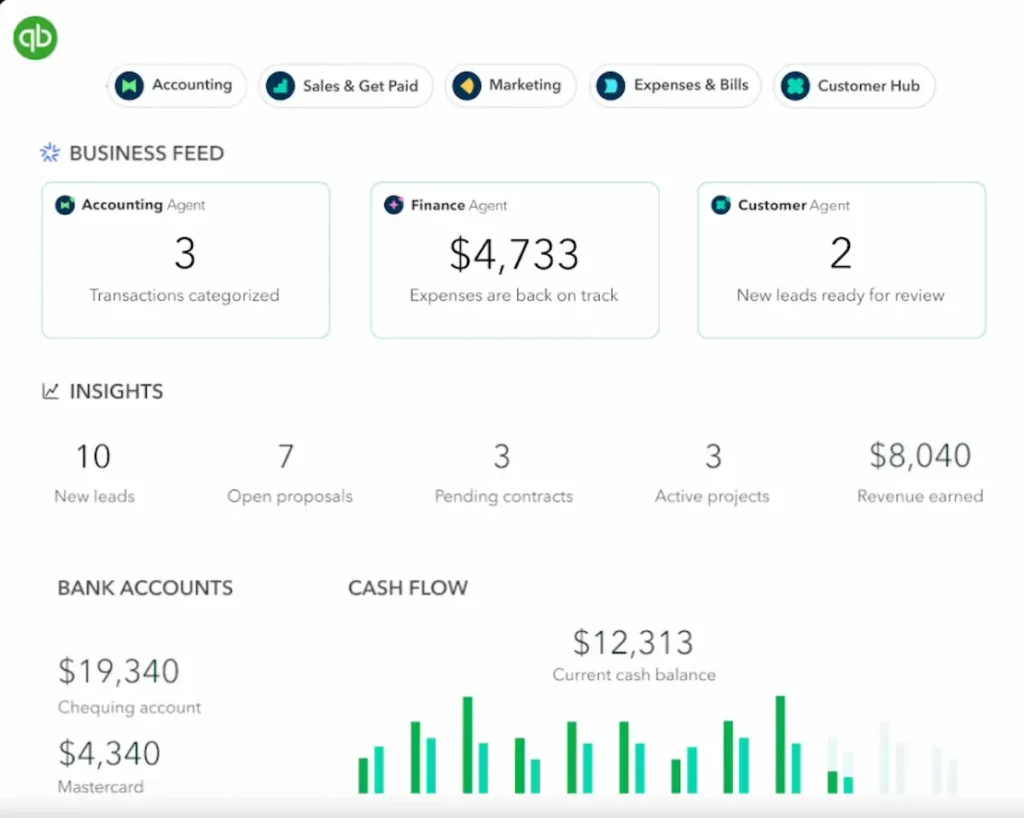
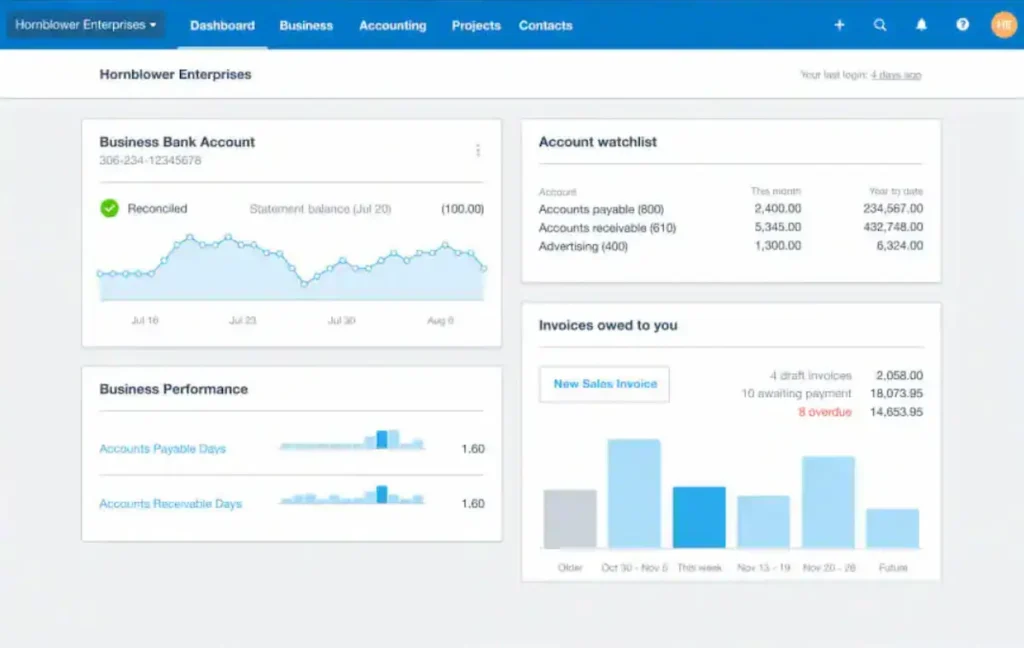
QuickBooks vs Xero: Feature-by-Feature Comparison
Eleven criteria covering the features that matter most to small business owners making the QuickBooks vs Xero decision in 2026.
| Feature | 📘 QuickBooks | 🟦 Xero | Winner |
|---|---|---|---|
| Free Trial | 30-day free trial | 30-day free trial + 1st month free | Xero |
| Users Included | 1–25 users (plan-dependent) | Unlimited on all plans | Xero |
| U.S. Payroll | Built-in (add-on pricing) | Via Gusto (separate subscription) | QuickBooks |
| Inventory Management | Advanced (Plus plan+) | Good, but less deep | QuickBooks |
| Multi-Currency | Advanced plan only | Established plan ($65/mo) | Xero |
| Interface / Usability | Functional but cluttered | Clean, modern, faster to learn | Xero |
| Bank Reconciliation | Strong, wide bank network | Strong, slightly fewer U.S. bank feeds | QuickBooks |
| Reporting | More advanced, customizable | Clean but less flexible | QuickBooks |
| Mobile App | Full-featured, highly rated | Good, slightly less capable | QuickBooks |
| U.S. CPA Familiarity | Industry standard | Growing but minority share | QuickBooks |
| Price (5 users, mid plan) | $115/month (Plus) | $55/month (Growing) | Xero |
Data as of March 2026. Verify current pricing directly on QuickBooks.com and Xero.com before committing.
QuickBooks vs Xero Pricing Breakdown
Pricing is where the QuickBooks vs Xero gap is most visible. QuickBooks raised its Plus plan from $99 to $115/month in 2026 — a 16% increase in one year. Xero’s Growing plan, which covers most small business needs, sits at $55/month with unlimited users. That’s a $720/year difference on base plans alone, before factoring in payroll add-ons.
The comparison gets more nuanced at the lower end. Xero’s Early plan at $20/month sounds attractive but limits you to 5 invoices, 5 bills, and 20 bank reconciliations per month — not enough for most active businesses. QuickBooks’ Simple Start at $35/month covers unlimited invoicing and basic income/expense tracking from day one. For very small businesses, QuickBooks’ entry tier delivers more usable functionality than Xero’s cheapest plan.
Use Cases & Workflow Examples
The right platform in the QuickBooks vs Xero comparison depends on your business model, team size, and geographic footprint. Automating your financial workflow starts with choosing the tool that fits how your business actually operates.
U.S. Small Business with a Bookkeeper
A 10-person retail business with a part-time bookkeeper who files quarterly taxes and manages payroll for 8 employees. QuickBooks’ integrated payroll, extensive U.S. bank feed connections, and the fact that virtually every U.S. bookkeeper knows the platform make it the lowest-friction choice. Switching to Xero could mean your bookkeeper charges more per hour or needs onboarding time. Winner: QuickBooks.
SaaS Startup with a Remote Team
A 12-person software company with team members across three countries, multiple currencies, and a founder who wants the finance stack to stay lean. Xero’s unlimited users mean the whole team can access financial data without adding per-seat costs. The multi-currency support on the Established plan ($65/month) handles international transactions cleanly. Payroll runs through Gusto, which integrates directly with Xero. Winner: Xero.
Freelancer or Solo Operator
A consultant invoicing 10–15 clients per month, tracking expenses, and filing annual taxes. QuickBooks Simple Start at $35/month covers this completely with a strong mobile app for receipt capture on the go. Xero’s Early plan at $20/month is cheaper but limits you to 5 invoices and 20 bank reconciliations — enough only if your volume is very low. For anyone billing more than 5 clients monthly, QuickBooks Simple Start is the better entry point. Winner: QuickBooks for active freelancers; Xero Early only for very minimal volume.
Product Business with Inventory
An e-commerce brand selling physical products across Shopify and Amazon, tracking SKUs, purchase orders, and cost of goods sold. QuickBooks Plus and Advanced offer more sophisticated inventory management than Xero, including FIFO costing, purchase order tracking, and tighter integration with U.S.-based inventory tools. Xero’s inventory features are solid but less deep. Winner: QuickBooks.
Pros & Cons
QuickBooks — Strengths & Limitations
- 62% U.S. market share — most CPAs and bookkeepers know it
- Built-in payroll with deep U.S. tax compliance
- Advanced inventory management on Plus and above
- Highly capable mobile app for on-the-go accounting
- Wide U.S. bank feed network for automatic reconciliation
- Price increases 10–17% annually — Plus hit $115/mo in 2026
- User limits per plan — expensive for growing teams
- Interface feels cluttered compared to Xero
- Multi-currency only available on Advanced plan
- Feature overload for simple businesses
Xero — Strengths & Limitations
- Unlimited users on every plan — no per-seat penalty
- Cleaner, more modern interface — faster to learn
- Strong multi-currency on Established plan ($65/mo)
- 1,000+ app marketplace with high-quality integrations
- More affordable at scale — Growing plan $55/mo flat
- U.S. payroll requires Gusto add-on (separate cost)
- Fewer U.S. CPAs trained on Xero vs QuickBooks
- Early plan is severely limited — not viable for active businesses
- Inventory management less advanced than QuickBooks
- U.S. bank feed coverage not as wide as QuickBooks
Integration Ecosystem
Both platforms cover the essential integrations. QuickBooks has a deeper U.S.-specific ecosystem — tighter connections with U.S. payroll providers, banks, and tax tools. Xero’s API is developer-friendly and its marketplace apps tend to have higher integration quality, particularly for international tools and modern SaaS stacks.
QuickBooks vs Xero: Which One Should You Use?
Three questions that make the QuickBooks vs Xero decision straightforward for most businesses.
Final Recommendation
Pick QuickBooks if you’re a U.S.-based business with a bookkeeper or CPA already on the platform, complex inventory needs, or a payroll requirement that you want handled natively. The higher price is defensible when you factor in the integration depth and the cost of migrating an accountant to a different system. QuickBooks remains the standard for U.S. compliance-heavy operations.
Pick Xero if your team has more than 5 people who need accounting access, you operate internationally, or you’re starting fresh and want a cleaner platform without legacy overhead. The unlimited user model means Xero’s price advantage compounds significantly as your team grows — at 10 users, you’re saving over $700/year before payroll is even factored in. The QuickBooks vs Xero math tilts clearly toward Xero once your headcount passes 5.
The scenario that catches businesses off guard: starting on QuickBooks Simple Start as a solo operator, growing to a 10-person team, and discovering that QuickBooks Plus at $115/month covers only 5 users. Many teams at that stage look at the QuickBooks vs Xero cost comparison and switch to Xero specifically because of the user cap. If you anticipate growth past 5 users within 18 months, Xero is often the better starting point.